
Clash Mi Download & Install Manual | Clash Mi v1.0.15 Cross-Platform Tool
Clash Mi is a Mihomo (Clash.Meta) graphical user interface client developed based on Flutter. It features a simple design, built-in high-performance Mihomo kernel, and supports Windows, macOS, Android, Linux, and iOS across all platforms. Official Repository ↗

App Preview:
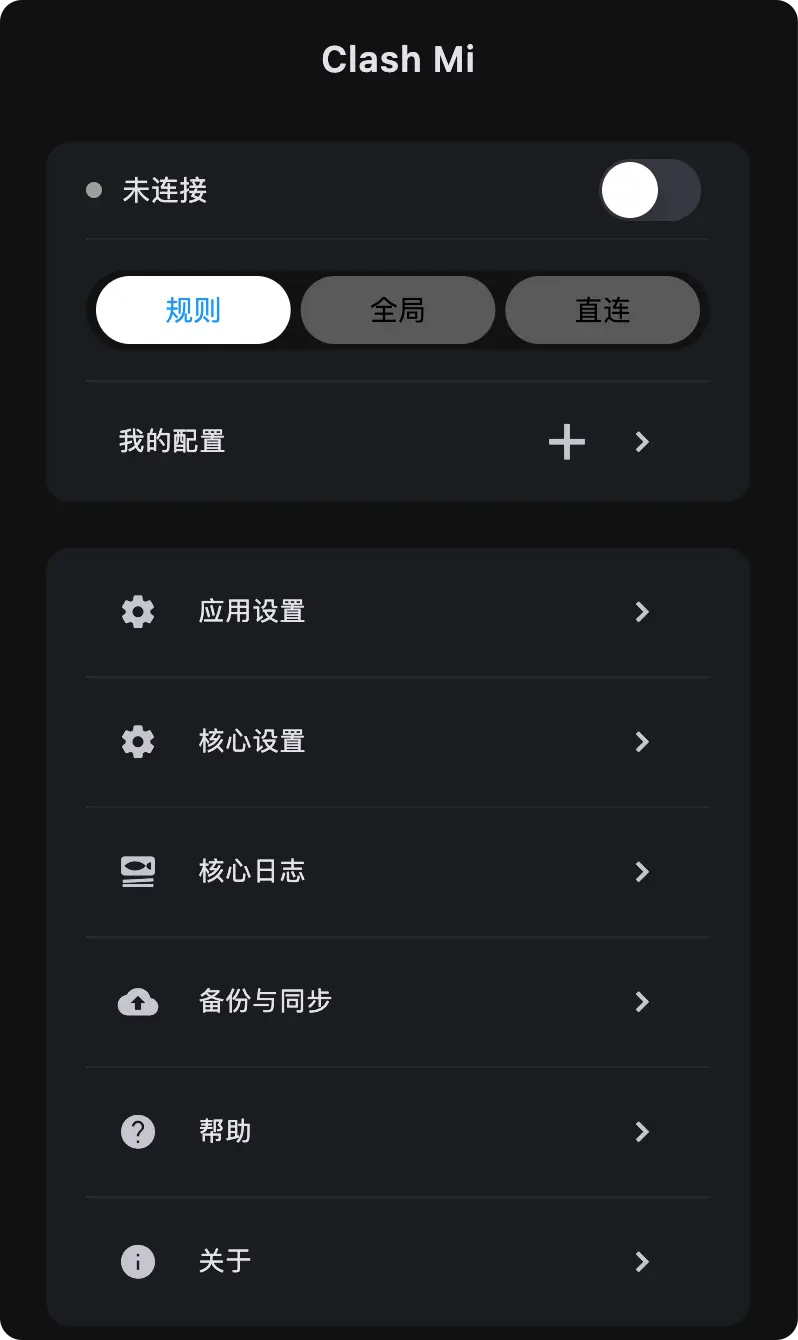
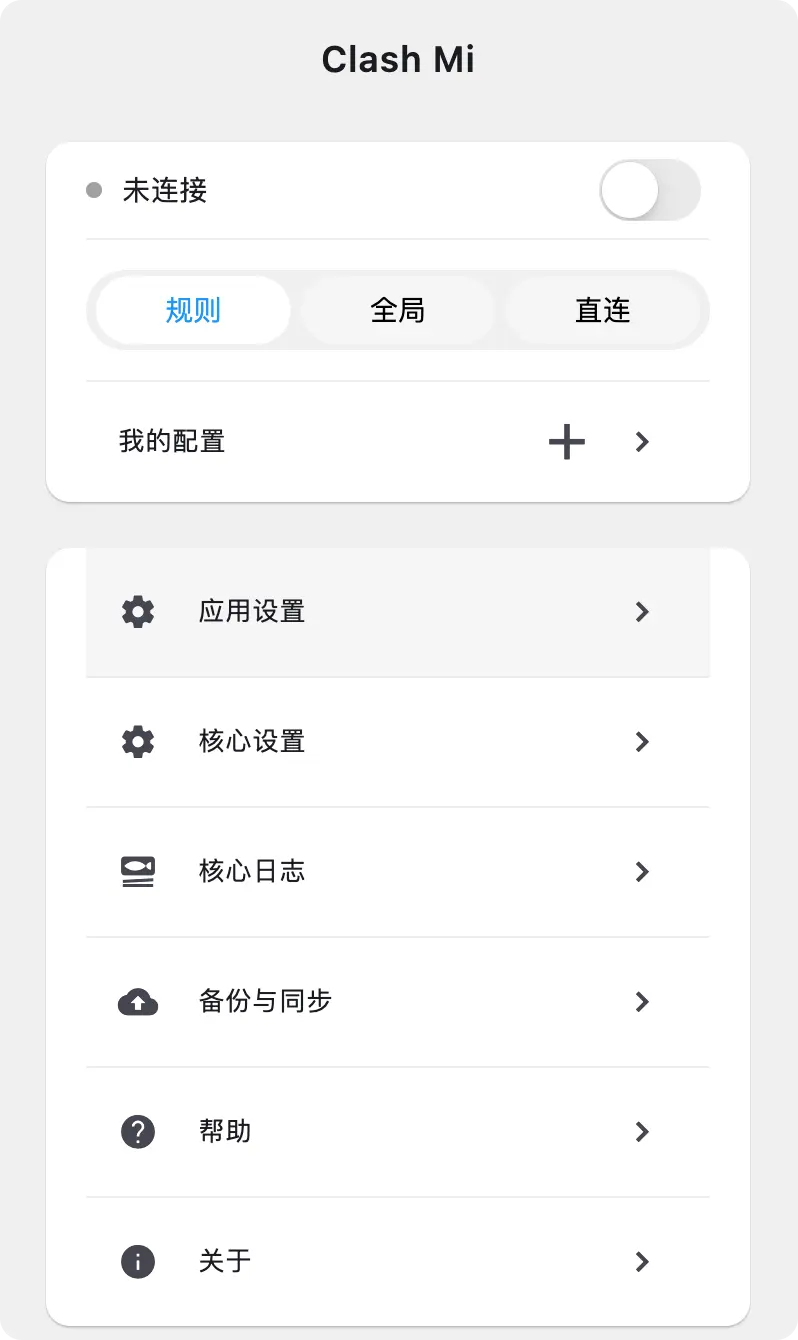
Clash Mi Program Download
Below are the download links for Clash Mi versions. We recommend downloading the latest version for the best experience.
(Download table omitted for brevity, referencing the structure of the main file)
1. Download and Install
Choose the version corresponding to your platform (Windows/macOS/Android/Linux/iOS) and install it.
2. Get Configuration
- Login to the official website
- Enter the Dashboard
- Copy the Subscription URL.
3. Import Configuration
- Open the tool
- Import the remote configuration link.
4. Select Strategy
- Select the target network strategy on the main interface.
5. Start Service
- Click the connect button to start the service.